Introduction
Over the past two days, we encountered an SEO issue that appeared simple on the surface but turned into a detailed investigation involving WordPress, WooCommerce, Elementor, Yoast SEO, plugins, custom snippets, and theme files.
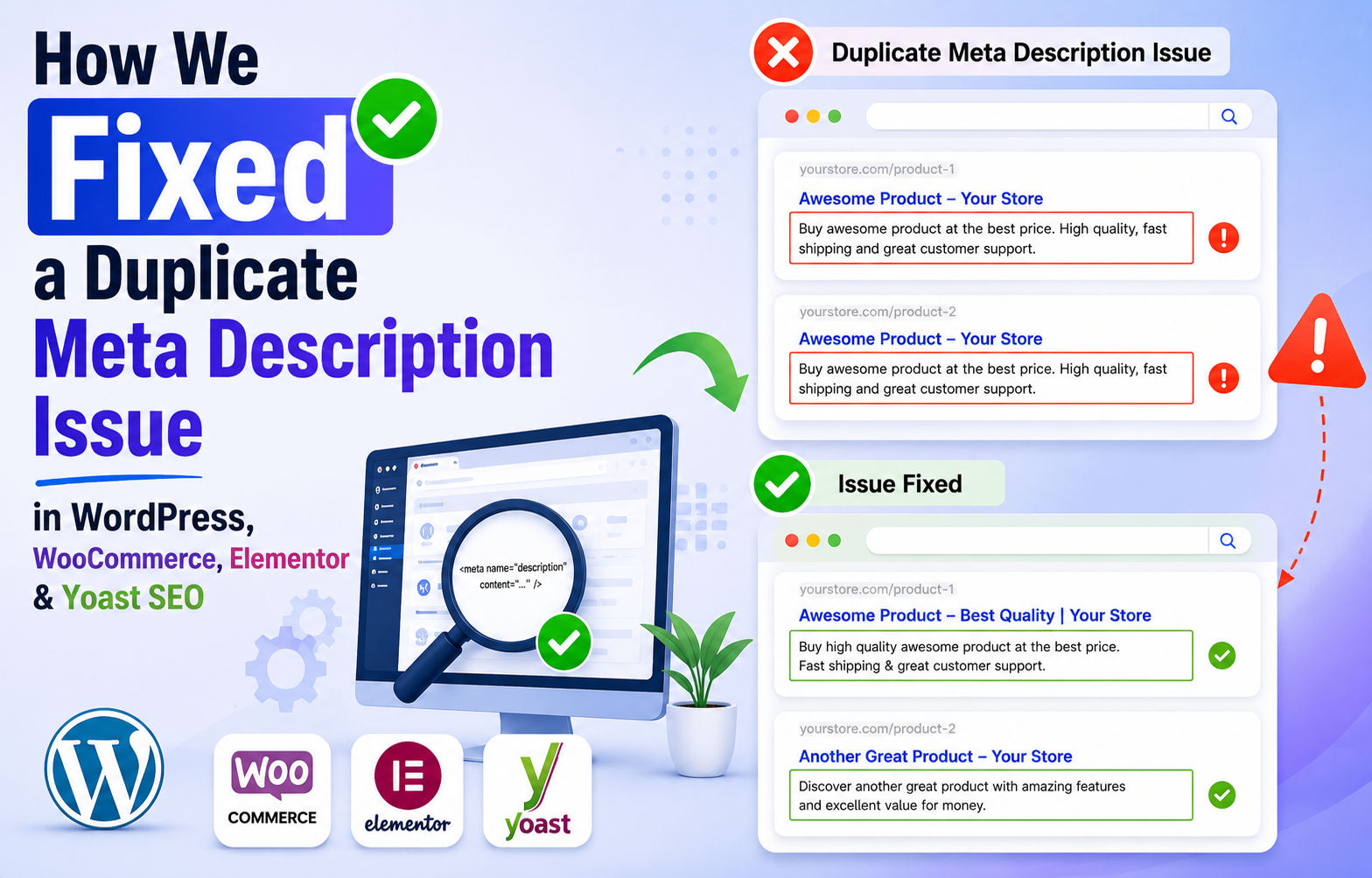
An SEO audit reported duplicate meta descriptions across product pages. At first glance, everything looked correct because Yoast SEO was generating optimized meta descriptions. However, the audit tool continued reporting duplicate meta description issues.
This article documents the exact troubleshooting process we followed, the dead ends we explored, and the final root cause we discovered.
Hopefully, this saves other WordPress and WooCommerce store owners hours of debugging.
The Problem
While reviewing an SEO audit report, we noticed warnings about duplicate meta descriptions.
The website was using:
- WordPress
- WooCommerce
- Elementor Pro
- Hello Elementor Theme
- Yoast SEO
Since Yoast SEO was configured correctly, duplicate meta descriptions were unexpected.
The goal was simple:
Find out why product pages were outputting two meta description tags instead of one.
Step 1: Verify Whether Duplicate Meta Descriptions Actually Exist
The first rule of SEO troubleshooting is:
Never assume the audit tool is correct. Verify manually.
We opened a product page and viewed the page source.
Searching for: <meta name=”description”>
revealed:
1/2
This confirmed there were indeed two meta description tags.
At this point, the SEO audit was correct.
Step 2: Compare Both Meta Descriptions
Next, we identified the content of both tags.
Meta Description #1:
Generated by Yoast SEO.
Example:
“Buy Aiswarya Deepam-Pure Pooja Oil made with cow ghee, sesame, coconut and medicinal herbs…”
Meta Description #2:
Generated from the product excerpt.
Example:
“100% natural medicated pooja oil for sacred lamps. It preserves the sanctity of the premises and invokes positive energy.”
This was our first major clue.
One meta description came from Yoast.
The second appeared to be pulling content directly from the WooCommerce product short description.
Step 3: Eliminate Common Causes
Before touching theme files, we systematically ruled out common sources.
Plugin Investigation
We checked:
- Yoast SEO
- WooCommerce
- Elementor Pro
- Schema & Structured Data for WP
- StoreAgent AI for WooCommerce
- Notifier for Phone
- Google Site Kit
We temporarily disabled certain plugins and tested again.
Result: Duplicate meta descriptions still existed.
Conclusion: The issue was not caused by those plugins.
Step 4: Investigate Custom Code Snippets
The website contained numerous custom snippets.
We reviewed:
- WooCommerce snippets
- Checkout customizations
- Payment gateway code
- Search placeholder scripts
- Product tab modifications
We searched for:
- meta
- description
- wp_head
- excerpt
No active snippets were generating meta descriptions.
Conclusion: The issue was not caused by custom snippets.
Step 5: Inspect the Actual Meta Tag Source
We then examined the HTML surrounding the second meta description.
The output looked similar to:
<script>
jQuery(function(){
…
});
</script>
<meta name=”description”
content=”100% natural medicated pooja oil for sacred lamps…”>
This confirmed that the second meta description was being injected into the page head independently of Yoast.
Step 6: Use Browser Console Investigation
Using Developer Tools, we executed JavaScript to identify all meta description tags.
Example:
document.querySelectorAll(‘meta[name=”description”]’)
Result:
- Two meta description tags were found.
- We then inspected neighboring elements and surrounding HTML.
- One meta description appeared after the page title.
- The second appeared after a script block.
- This narrowed the search significantly.
Step 7: Search the Theme Files
After eliminating plugins and snippets, attention shifted to the active theme.
The website was using:
Hello Elementor Theme
Inside: Appearance → Theme File Editor
we searched for: description
This search finally revealed the culprit.
The Discovery
Inside functions.php we found:
function hello_elementor_add_description_meta_tag() {
if ( ! is_singular() ) {
return;
}
$post = get_queried_object();
if ( empty( $post->post_excerpt ) ) {
return;
}
echo ‘<meta name=”description” content=”‘ .
esc_attr( wp_strip_all_tags( $post->post_excerpt ) ) .
‘”>’ . “\n”;
}
add_action( ‘wp_head’, ‘hello_elementor_add_description_meta_tag’ );
This function automatically generated a meta description using the page excerpt.
Since Yoast SEO was already generating a meta description, the theme was creating a second one.
Root cause found.
Why This Happens
Hello Elementor tries to be helpful by automatically creating a description tag when a page contains an excerpt.
However, SEO plugins such as Yoast SEO already generate optimized meta descriptions.
As a result:
- Yoast outputs one meta description.
- Hello Elementor outputs another.
- The page ends up with two meta description tags.
- Search engines may ignore one, but SEO audit tools correctly flag this as a problem.
The Safe Fix
Since the website was live and receiving orders, directly editing theme files was avoided.
Instead, a small Code Snippets solution was used.
add_action(‘init’, function() {
remove_action(
‘wp_head’,
‘hello_elementor_add_description_meta_tag’
);
});
This safely disables Hello Elementor’s meta description output while preserving all other theme functionality.
Verification
After activating the snippet:
- Cache was cleared.
- Product page source was reloaded.
- Meta description tags were checked again.
Result:
Before:
<meta name=”description”>
1/2
After:
<meta name=”description”>
1/1
Success.
Only Yoast SEO’s meta description remained.
Lessons Learned
This investigation reinforced several important SEO troubleshooting principles:
1. Verify Before Fixing
Always confirm issues manually before trusting audit tools.
2. Eliminate Possibilities Systematically
Instead of guessing, rule out:
- Plugins
- Snippets
- Custom code
- Theme files
one by one.
3. Use Browser Developer Tools
Developer tools can reveal exactly what is being output to the page.
4. Check Theme Functions
Many themes add SEO-related functionality that conflicts with dedicated SEO plugins.
5. Avoid Editing Theme Files Directly
Use hooks, filters, or snippets whenever possible.
This ensures future theme updates do not overwrite your fixes.
Final Outcome
After two days of investigation:
- Duplicate meta descriptions identified
- Plugins ruled out
- Custom snippets ruled out
- Theme function discovered
- Safe fix implemented
- Single meta description restored
- SEO audit issue resolved
Sometimes the most valuable SEO wins come not from creating new content, but from carefully identifying and removing hidden technical issues.
If your WordPress or WooCommerce site reports duplicate meta descriptions despite using Yoast SEO, inspect your theme files before assuming a plugin is responsible.