
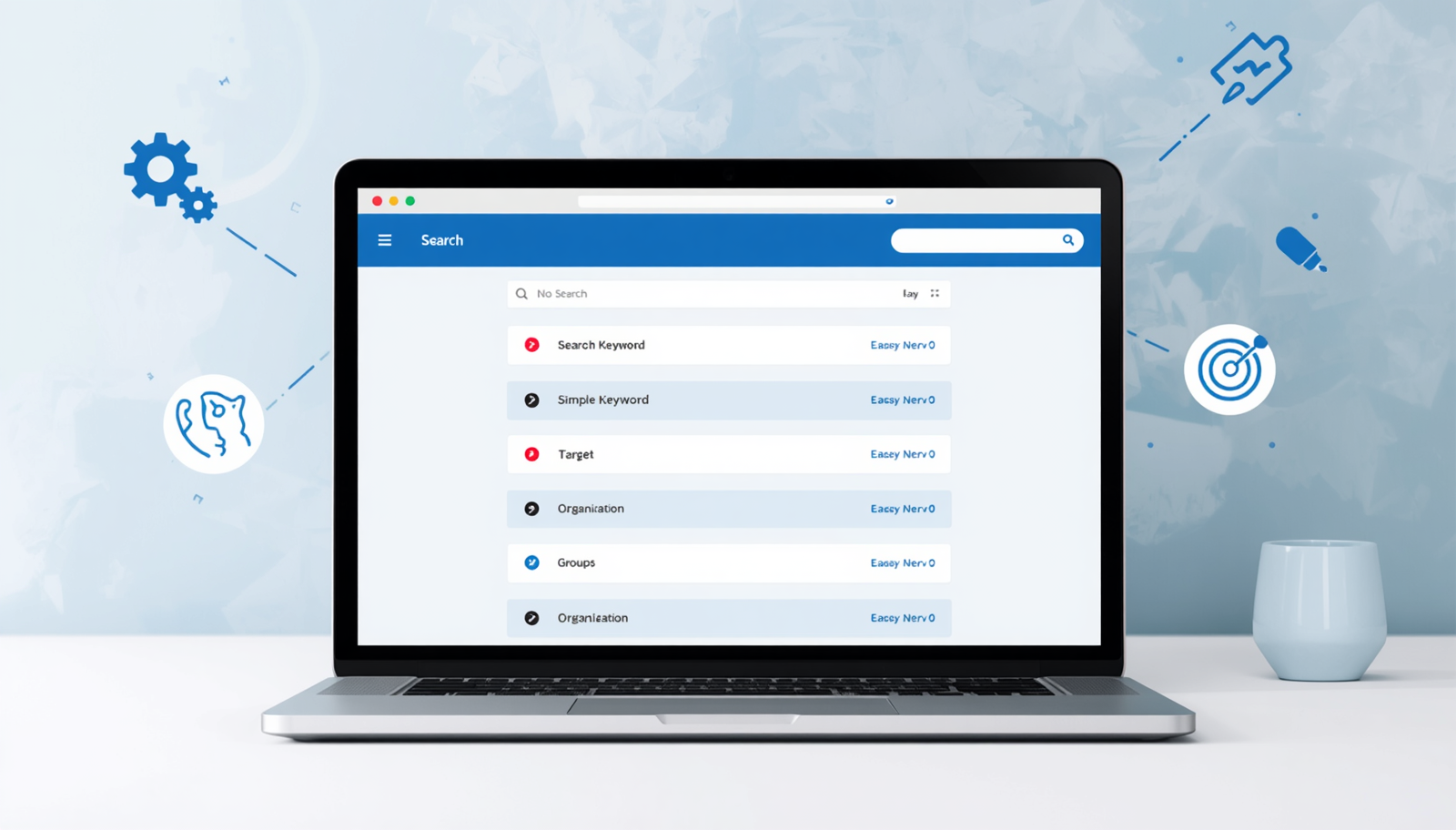
If you find Google Ads confusing, you’re not alone—keywords can often trip up beginners. Fortunately, selecting effective keywords doesn’t require technical expertise; instead, all you need to do is view things from your audience’s perspective and keep it straightforward.
In this article, I’ll guide you on how to select 10 relevant keywords for a single campaign and organize them effectively so that managing your ads becomes easier. By the end of this post, you’ll understand how to identify commonly searched terms, reduce unnecessary clicks, and maintain an organized campaign.
Table of Contents
Understanding Keywords
Why Is It Important to Group Keywords?
Step 1: Have a Primary Goal
Step 2: Brainstorm Local and Seed Keywords
Step 3: Check the Intent
Step 4: Categorize Keywords
Step 5: Identify the Head Term
Step 6: Choose Phrases People Normally Use
Step 7: Find Long-Tail Keywords
Step 8: Add Semantic Keywords
Keyword Example for This Blog
Final Thoughts
Understanding Keywords
Keywords represent the words or phrases individuals type into Google when they are searching for information. In the context of Google Ads, you select keywords to ensure your advertisement appears whenever someone queries a term related to your product, service, or blog content.
For instance, if your blog focuses on beginner lessons in Google Ads, potential searches might include:
- Google Ads for beginners.
- How to learn Google Ads.
- Basics of Google Ads.
- A tutorial on Google Ads.
These types of queries are what you want your keywords to address. The more closely your chosen keywords align with users’ search intents, the more valuable traffic you’ll attract.
Why is it important to group keywords?
When you group keyword by topics, it makes it easier to manage your campaign. Instead of having all of your keywords in a jumbled list, you can organize them in smaller topic-based ad groups.
- The benefits of grouping your keywords:
- It allows you to use the more appropriate ads.
- It improves the readability of your entire campaign.
- It helps you evaluate which topic does better.
- It prevents the waste of money for irrelevant clicks.
An example to illustrate this would be analogous to working with the metaphor of stacking books on a bookshelf – you wouldn’t have all three categories: cookbooks, history and travel books, all on one shelf.
Step 1: Have a primary point of focus
Once you have established the primary focus of your campaign you can begin generating keywords. Let’s use this example:
Learning how to work with Google Ads as a new user
Then you need to think about what a new user to Google would type in to search for learning how to do this in a practical manner.
So easy as appose to anything else, a simple phrase will help you in determining what keywords to generate from this.
Step 2: Brainstorm Long Tail Search Keywords
For this phase, gently brainstorm (or just start jotting down your list of those short keyword phrases that could possibly be a “real” person would be searching e.g. “google adwords basics”); don’t worry if the keywords are correct at this time, go with what feels right.
Examples of Google Keyword Phrases That Fit the Definition:
- Google Adwords basics
- Google Adwords for beginners
- How to use Google Adwords
- Learn Google Adwords
- Google Adwords tutorial
- Google Adwords step by step
- Google Adwords guide
- Beginner Google Adwords
- How Google Adwords works
- Google Adwords training
These types of keywords are easy-to-understand words reasonable to a searching beginner person.
Step 3: Decide On Ten Search Terms
Not every search term (or keyword) you come up with is going to fit into your actual advertising campaign; only use the ten that best represent your topic and your audience’s intent.
For example, here is an example list of ten to start with for your blog post:
- Google Adwords basics
- Google Adwords for beginners
- Learn Google Adwords
- Google Adwords tutorial
- Google Adwords guide
- How to use Google Adwords
- Google Adwords step by step
- Beginner Google Adwords
- How Google Adwords works
- Google Adwords training
These keywords will give you enough “broad appeal” to attract beginner users, but are “specific enough” so that they will not produce wasted traffic.
Step 4: Categorizing Related Keywords
Now take the ten keywords you have created and divide them into even smaller sections now that you have more organization and an easier time testing out your campaign.
1 Beginner Learning
- AdWords for Beginners
- Learn AdWords
- AdWords (Beginners)
- AdWords Training
2 How It Works
- How AdWords Works
- AdWords Basics
- How to Use AdWords
3 Step-by-Step Learning
- AdWords Tutorial
- AdWords Guide
- AdWords Step by Step
If you only end up with one ad group for testing that is perfectly fine for very small tests but if you want more organization with your campaign and to accomplish that you will get this comparison.
Step 5: Keywords Should Be Relevant
As a very common beginner mistake, a common mistake people make when they are looking for keywords to use in their campaigns is using keywords that are too broad. For example, the keyword “ads” could mean anything from “social media ads” to “TV ads” to a million different things.
You want to use keywords that have intent. For instance, if someone types in “Google AdWords for beginners”, they will likely be searching for your blog than if someone were to type in search for “ads”.
A good rule of thumb to use when thinking about a keyword is this: if you can imagine your reader searching for this term, then you should definitely use it for consideration.
Step 6: Use phrases people naturally say
Do not compare your keywords to how people search for those types of things online.
Examples of appropriate keywords:
- Google Ads beginners
- Learn Google Ads
- Google Ads tutorial
Examples of inappropriate keywords:
- digital commerce mastery
- marketing intelligence platform
- search visibility system
People generally don’t search in fancy terminology; they use everyday, ordinary terminology to search for information.
Step 7: Think about search intent
Always think about what you want to achieve with your search (search intent).
Search intent means the reason behind the search, or, the person’s why.
A beginner searching for a Google Ads tutorial will probably be looking for instructions to help them learn.
A person downloading Google Ads pricing will usually want to know what it costs to use the keyword.
A person logging in to Google Ads for the first time will probably want to submit their login information to access their account.
When writing a post for a beginner audience it is generally advisable to focus on providing educational resources, since these people are looking for information.
This is why key phrases containing words like “learn,” “guide,” “basics,” “tutorial,” and “step-by-step” work well.
Step 8: Add negative keywords later
You will not normally add negative keywords until you have seen your campaign continue to have some ineffective keywords.
Some examples of keywords you might later exclude once the ads have been running for some time are:
- jobs
- career
- salary
- free course
- certification
Initially you should not spend too much time thinking about this and simply create a list of your initial ten relevant keywords.
An easy keyword formula to follow
Below is an easy formula to apply to any marketing campaign.
Topic + audience + action.
Example sentences:
- Google Ads + Beginners + Learn.
- Google Ads + Small Business + Guide.
- Google Ads + Non-Technical + Basics.
This formula will help keep you on course and avoid randomly selecting keywords.
Keyword examples for this Blog
If your blog post is a guide for those wishing to learn Google Ads as someone who isn’t very technical, your final list of keywords will be:
- Google Ads For Beginners.
- Learn Google Ads.
- Google Ads Basics.
- Google Ads Tutorial.
- Google Ads Guide.
- How to Use Google Ads.
- Google Ads Step by Step.
- Beginner Google Ads.
- How Google Ads Works.
- Google Ads Training.
The above set of beginner level keywords is a solid performing candidate as they are straightforward, relevant and easy to comprehend.
Next Step
After establishing your keywords, you just have to write an ad that matches those keywords. The language of your ad must match the keywords as well. When downloading the ad, ensure to clearly say what the reader can expect if he or she clicks on it.
If your keywords are targeting beginners with the intent of learning, then your ad must emphasize clearly that it’s for beginners and that it’s a learning experience. You do not want to sound elitist in your ad or use terminology that will sound like you are trying to sell them something.
Final thoughts
Keywords need not be complicated. You just need to think like your reader and you’ll be able to choose good keywords.
Write down some straightforward search phrases on one topic. Choose the best 10 and group them into small themes. This will make the launching of a highly targeted Google Ads campaign easy while garnering valuable insight from its real performance.
Coming next
Next time, we will turn these keywords into ad copy that gets clicks without being too aggressive.


1 comment
Great content! Keep up the good work!