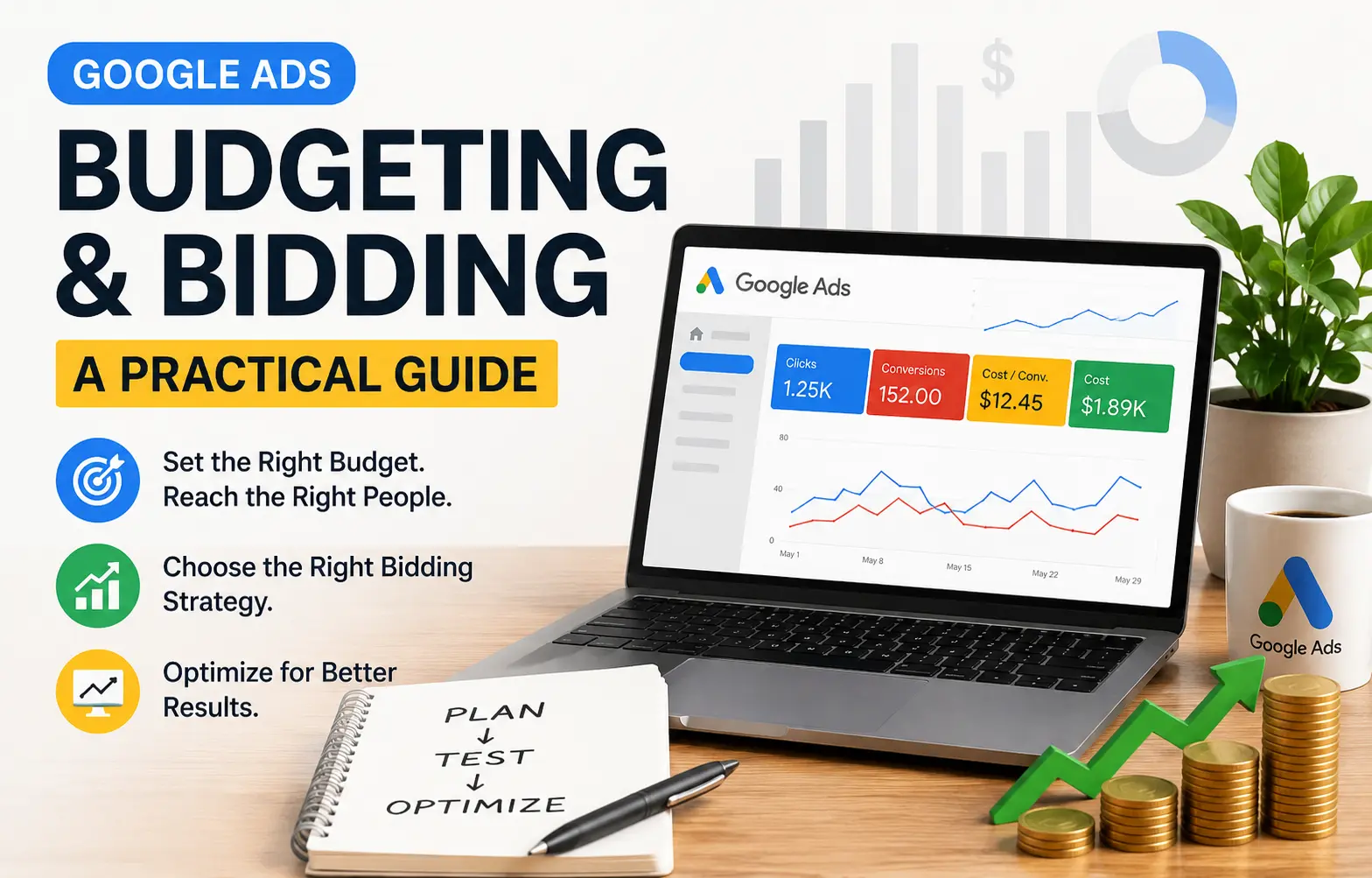
Google Ads allows you to enter an average budget for every day. Google calculates your monthly budget using your average daily budget. This approach helps beginners manage advertising costs more effectively. Google also offers different bidding strategies for different goals. You can optimize for clicks, impressions, or conversions. Choose a bidding strategy that matches your campaign objective. Review your options before increasing your advertising spend.
Many beginners to Google Ads experience an immense fear of wasting money. This fear is valid; when campaigns are set up incorrectly or with no planning and structure, advertisement costs can quickly add up. However, Google Ads allows you to directly control your daily budgets, bidding methods, and targeting so that when you do waste money, it is because of a bad decision and not because of something in the Google Ads system.
Table of Contents
- What budgeting means
- What bidding means
- Is There a Rule to Help?
- Which bidding strategy to choose first
- Align Your Bidding with Your Objective
- How to Stop Throwing Money Away
- Signs your money is being wasted
- You should stick to a few guidelines
- Conclusion
What budgeting means
One way a beginner can start learning the ropes of using Google Ads is to begin with a smaller, more focused campaign, use a simple bidding method, and review how the ad is performing before making changes. This way, you risk less and will be able to gain valuable learning experiences based on actual data rather than relying on guesswork.
Budgeting in Google Ads refers to the average daily budget you add while creating campaigns. Each month your spending limit will be based off of the average daily budget, therefore, when you first create a campaign you will not be committing to unlimited spending over several months. Beginners can benefit from creating the initial budget prior to having time to see the results of their campaign. Although your campaign may spend less than the budget on some days, Google limits total monthly spending according to your average daily budget, as outlined in its terms and conditions. Therefore, in most cases, you should set a budget that you are comfortable testing, rather than setting a budget solely be based on hope and/or pressure to produce rapid results.
What bidding means
Bidding is the answer to the question “How much will I be willing to pay for any one click, impression or conversion?” The answer will depend on the types of clicks or type of impressions/conversions you want to track within your Google Ads account and your reason for providing that information.
A good way to start a Search campaign is through a Click-based strategy. The goal of Maximizing Clicks (a Google Ads automated bidding strategy) is to use the most clicks available for your budget. Using this option makes sense for a new advertiser, especially when you are using your campaign as an experiment for learning purposes, testing or traffic.
Is There a Rule to Help?
Yes, when getting started in Google Ads, you want to start with a test budget, not a monetary growth plan. A test budget is money you can afford to lose, which will help to minimize panic if the campaign does not perform well initially. Because Google Ads lets you adjust your average daily budget, start with a reasonable amount and increase it only after seeing positive campaign results.
The “one campaign, one goal” rule of thumb is a general recommendation for new advertisers. By mixing multiple traffic generating campaigns for a single budget, the traffic generated can be split among each of those goals (traffic leads, brand awareness). Because of this approach, it is often difficult to track the performance of individual campaigns. Google’s competitive bidding document also indicates that an optimization strategy should be tied to the goal you want to achieve.
Rule two: Do not spread your budget thin across an excessive number of keywords/ad groups. You do not want to create a situation where your budget does not have enough impact on the total number of keywords because you have too many. The objective of a budget is to create valid data for your keywords and to make it easier to determine what works.
Which bidding strategy to choose first
Step one: Choosing the appropriate bidding strategy is often the easiest step to take when the primary objective is to drive traffic to your website and/or to learn about how your audience interacts with your website. The “Maximize Clicks” strategy is the most frequently recommended and used strategy for beginner campaigns by Google. This is because it recommends and sets bids for you to get the maximum number of clicks for your budget.
When your primary objective is to drive conversions, you can use Google’s Smart Bidding strategies (Maximize Conversions, Target CPA, and Target ROAS) to optimize conversion actions and value. However, Smart Bidding requires conversion data to perform effectively, so you should set up conversion tracking before using these bidding strategies. A new user with no valid conversion tracking data would likely benefit from starting with a traffic-based strategy before automating with conversion strategies.
Align Your Bidding with Your Objective
One of the most common errors by beginning advertisers is picking the wrong bidding strategy for their campaign’s objective. If your objective is to drive website traffic, your bidding strategy should be focused on clicks & traffic. Google prefers Maximize Clicks when your objective is to get more website visitors.
Maximize conversions or Target CPA bidding strategies should be used when your goal is to get conversions only.
Your bidding settings tell Google what type of traffic you want. Google then looks for users most likely to meet that objective. Choose Maximize Clicks when your goal is to increase website traffic. Google will seek cost-effective opportunities to generate more clicks. Choose Maximize Conversions when your goal is specific user actions. Google uses conversion data and bidding signals to find potential converters.
How to Stop Throwing Money Away
By keeping your keywords targeted and tight, you will reduce the amount of irrelevant traffic to your campaign, as broad and general keywords will develop irrelevant clicks when your budget is small on newer campaigns.
Google recognizes three types of keyword matching; broad match, phrase match, and exact match. If you want to use a phrase match or exact match for more targeted keyword matching, it will yield better results than broad match.
Everybody loves to play it safe at first, and phrase and exact matches seem to bring with them more control. Broad match does have its utility, especially when using Smart Bidding, although it creates that avenue for traffic to open up in ways that can be difficult to track, given a tight budget. Google often recommends broad match when using Smart Bidding. Use phrase match or exact match when you need more precise targeting.
As soon as you identify irrelevant searches, add negative keywords to prevent your ads from appearing for those terms. By excluding searches that do not match your goals, negative keywords help protect your budget from unnecessary clicks. Added keywords may seem like the concern for beginners, but excluding poor-fit traffic is as well an important control spend guide.
The third rule is to send traffic to the right page. Even if an ad is targeted properly, it won’t do any good to just send users to a substandard or unrelated landing page. If, for instance, someone clicks an ad on “Google Ads for Novices,” the landing page must clearly undergo a basic learner explanation and not just let the visitor land on some generic home page, from where the next step is not quite obvious.
Avoid making too many adjustments to your advertising strategy at once. For instance, Google recommends you monitor results carefully when cleaning up your bids before fully implementing a new Smart Bidding strategy since it takes time to adjust the system with changes to budget, keywords, ad copy, and landing pages.
Start by selecting one of your existing campaigns with a small budget and run it for two weeks. Then review every click, analyze the search terms driving traffic, and evaluate key metrics to understand how users interacted with your content on the site.
This plan works best if your campaign only uses one offer and targets one audience segment so you don’t need to make large commitments instantly but can increase your budget only as the clicks and results meet or exceed expectation.
For example, your campaign may target 10 related keywords with a single landing page. Monitor performance for at least two weeks before making major changes. Increase bids gradually if click-through rates remain strong. Base adjustments on actual click data, not assumptions. Reduce spending if the campaign generates few or no clicks. Reassess your targeting before increasing the budget again.
Signs your money is being wasted
When your campaign is wasting money, one of the major signs is receiving clicks that don’t drive traffic to your website. There are many reasons this can happen, but most of the time, it’s due to improper keyword targeting and can be due to a variety of factors including: 1) keyword broadness, 2) wrong search intent, or 3) lack of negative keywords. Match types can also impact this; therefore, having control over your keywords is vital in beginner level campaigns.
Another sign of wasted ad spend is increasing your budget without a clear campaign goal. Without a defined action to measure, you cannot determine the value of your clicks. Google’s bidding algorithm performs best when you set clear optimization goals. Unclear goals often lead to inefficient spending and poor campaign results.
Using Smart Bidding without conversion tracking can waste your advertising budget. Smart Bidding relies on conversion data to make effective bidding decisions. Set up conversion tracking before enabling automated bidding strategies. Without accurate data, the system may optimize for the wrong outcomes. This can reduce performance and increase unnecessary spending.
You should stick to a few guidelines.
- Always run one campaign before moving on to the next.
- Start with a small Daily budget. There is no reason to start aggressively, as budgets can be changed later.
- Use Maximize Clicks as a bid method if you are just starting out to get traffic or learn. Google represents this as one of the easier ways to get clicks.
- Only use Smart Bidding once you have Conversion Tracking; according to Google Smart Bidding works only if you have the Conversion Tracking data.
- When you are looking for tight controls use either Phrase or Exact Match; according to Google these match types work best when the needs are very specific.
- Regularly add negative Keyword(s) to block unwanted traffic to preserve your budget.
- Change only one thing at a time. Doing so makes the learning much clearer & reduces any random variability to your spending.
Conclusion
Budgeting and bidding are easier than many beginners expect. Start with a small daily budget and focus on one campaign goal. Use a single bidding strategy while you learn and gather data. Google Ads gives you tools to control your advertising spend. Align your budget, bids, keywords, and landing pages with one goal. A clear strategy often leads to stronger campaign performance.
In the next post, the best next step is usually measurement: how to track simple metrics, understand what the numbers mean, and decide whether a campaign deserves more budget or a full reset.